
How to open your NucBox G3 or Plus PC yourself to clean the dust. Replace a dead bios battery. Upgrade the SSD, RAM, Wireless card or replace the fan.
This video shows: how to open NucBox G3 or Plus model from GMKtec With Intel N100 or N150 Processor.
Removing the Case Cover
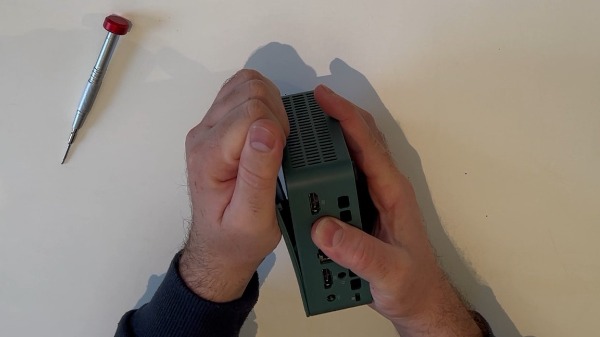
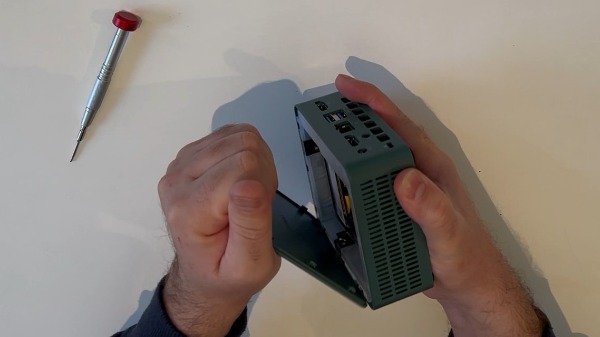
Cover: On this Mini-PCI model, the cover is located on top. It is not screwed in but held by plastic clips and can be easily removed by hand.
Remove: Remove the top cover by hand, as shown in the video.
2. Removing the Components
DDR4 RAM: Locate the SODIMM slot. Push the two metal clips on the sides outward. The RAM module will pop out at a 45-degree angle. Carefully pull it out.
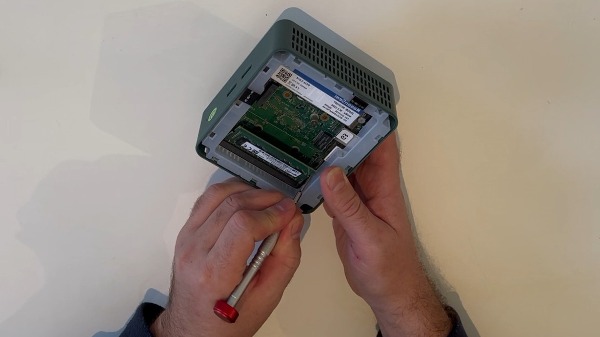
M.2 SSD: Locate the M.2 NVMe/SATA slot. Loosen the single retaining screw at the end of the SSD. The SSD will lift slightly; pull it straight out of the slot.
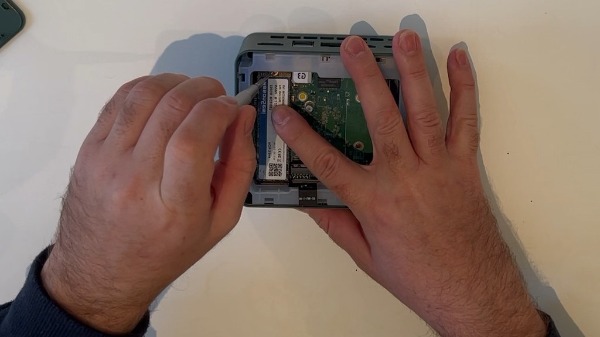
Wi-Fi Antennas: Carefully disconnect the small gold Wi-Fi/Bluetooth antenna connectors from the Wi-Fi card using tweezers.
Remove: The Wi-Fi card located beneath the SSD in the same way as the SSD itself.3. Motherboard Removal
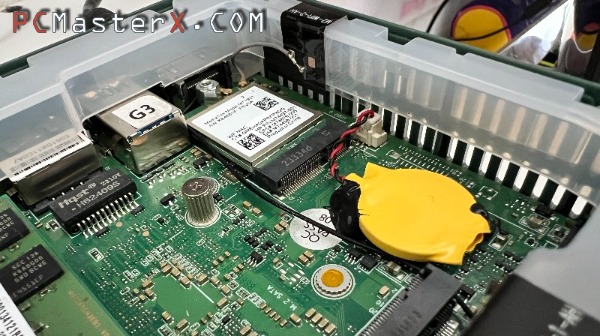
Motherboard Screws: Remove the four screws securing the motherboard to the inner frame.
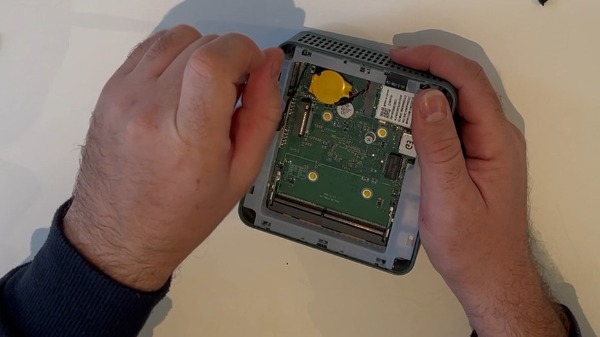
Motherboard Brackets: Carefully lift off any internal plastic clips or brackets that secure the motherboard.
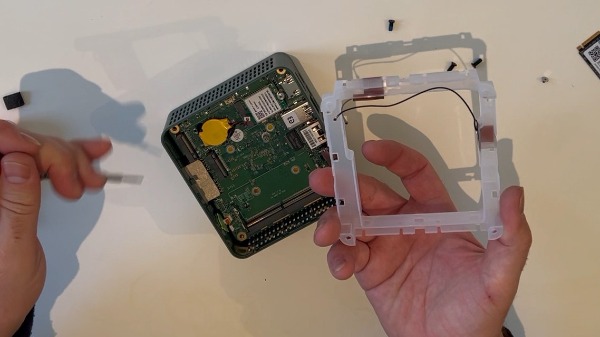
Adhesive Tape Removal: Peel back the adhesive tape securing the cables or motherboard to the chassis.
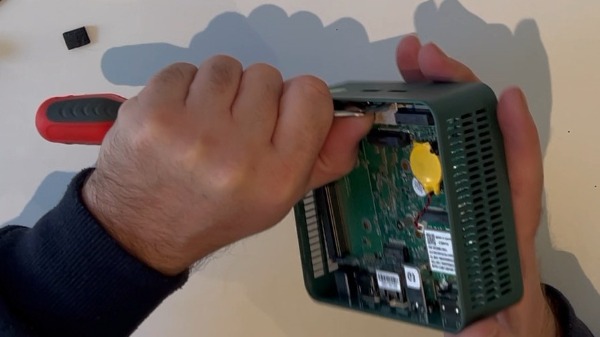
Removal: Carefully pry the plastic chassis walls apart to create a gap, then slide the motherboard out of the chassis.
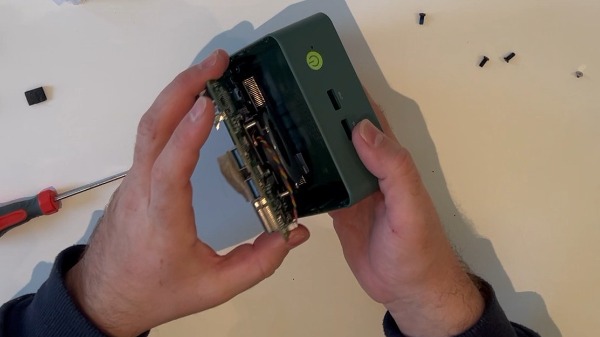
4. Fan Maintenance
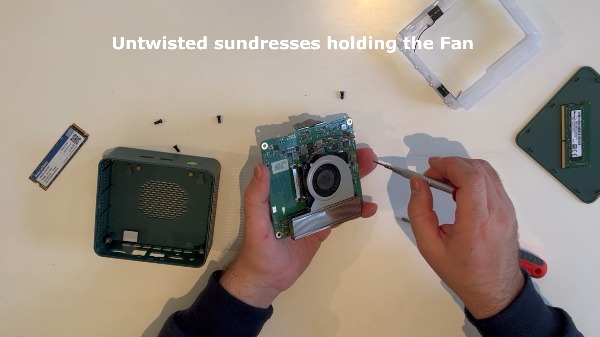
Fan Screws: Locate and remove the small mounting screws that secure the fan assembly to the radiator.
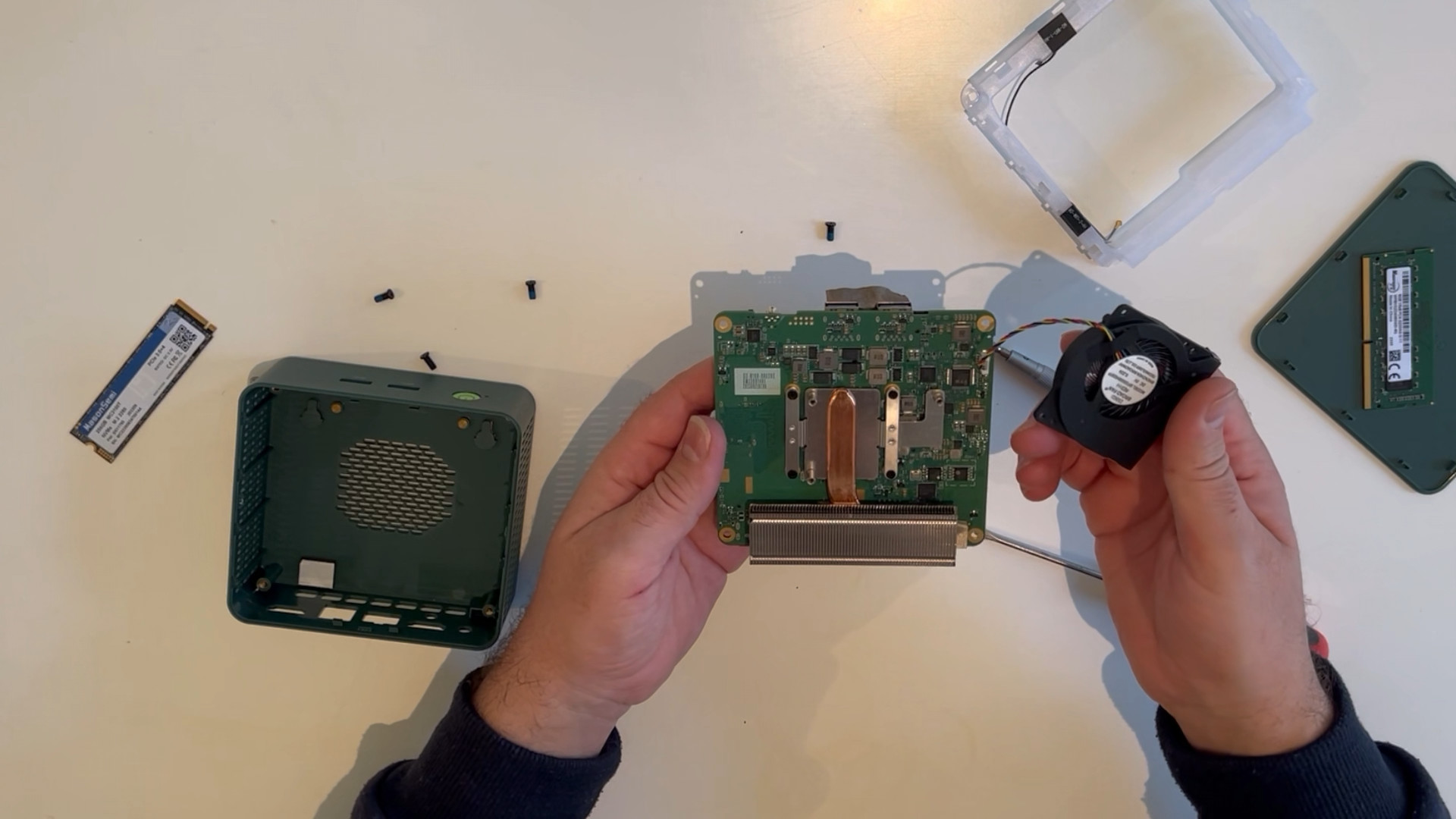
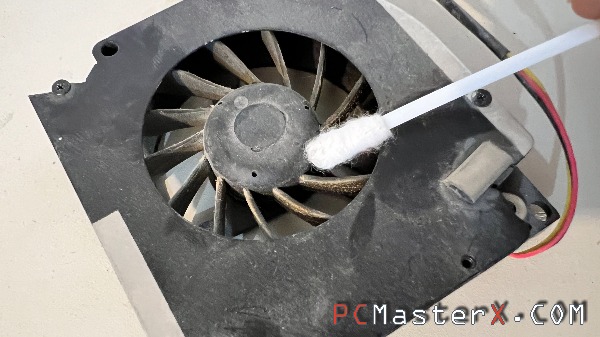
Cleaning: This allows you to clean the fan blades or reapply thermal paste if necessary.
5. Closing and Upgrading
2TB M.2 SSD Upgrade: Before closing the case, insert your new 2TB M.2 SSD at an angle into the slot, press it firmly into place, and secure it with a screw.
Reassembly: Proceed in reverse order – install the motherboard, reconnect the antennas, reinstall the RAM, and attach the bottom plate with screws.
6. Preporuka: Obavezno instalirajte nadograđeni M.2 SSD s hladnjakom; u kućištu ima dovoljno mjesta za hladnjak SSD-a.
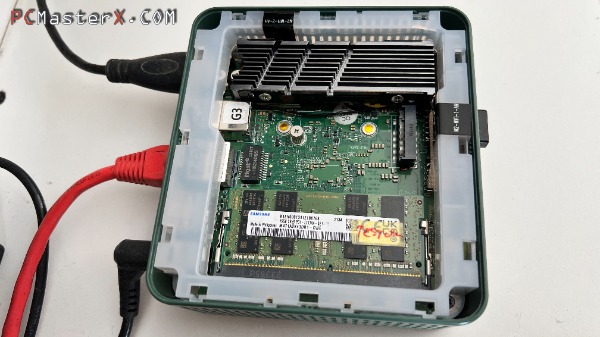
7 Wireless: My NucBox G3 came with a Realtek RTL8852BE (PCIE+USB3) and the wireless signal was unstable so I replaced the wireless card with a MediaTek MT7925B22M and I had no more problems. The card that came with the NucBox G3 "Realtek RTL8852BE (PCIE+USB3)" on the HP laptop works fine.
7 Power supply:
Video with detailed instructions ...
Download Driver BIOS for products GMKtec
Specification:
Intel 12th Alder Lake-N series N100 (Plus N150), 7nm, 6 MB Cache, TDP 6W
Intel UHD Graphics (Up to 750MHz)
DDR4 3200 MT/s, SO-DIMM*1, max 32GB
M.2 NVMe PCIe 3.0 M.2 2280, max 2TB
M.2 sata 2242, max 2TB
USB3.2(Gen1*1 5Gbps/S)*4
HDMI (4K@60Hz)
HDMI*2 4096 x 2160@60Hz
Headphone jack 1*3.5 mm
Giga LAN (RJ45)*1 2.5G 2500M
DC IN(5.5/2.5mm), 12V/3A
Supports Window 10 and 11, Linux BT5.2 / WiFi 6 2