
---
Enable Group Policy Editor on Windows 10 and 11 Home Editions
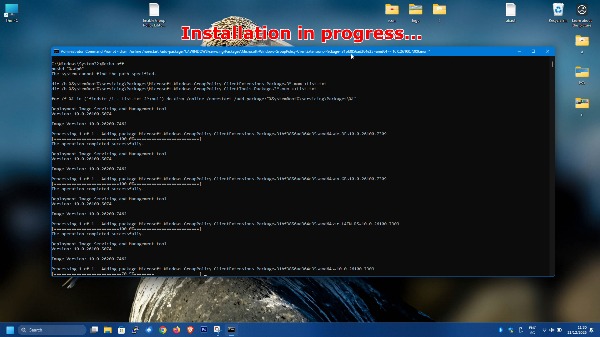
- Enter "cmd" in the search field.
- Run cmd as administrator.
- The code you need to copy paste
- Restart your computer.
The code you need to copy paste:
@echo off
pushd "%~dp0"

dir /b %SystemRoot%\servicing\Packages\Microsoft-Windows-GroupPolicy-ClientExtensions-Package~3*.mum >List.txt
dir /b %SystemRoot%\servicing\Packages\Microsoft-Windows-GroupPolicy-ClientTools-Package~3*.mum >>List.txt

for /f %i in ('findstr /i . List.txt 2^>nul') do dism /online /norestart /add-package:"%SystemRoot%\servicing\Packages\%i"
pause
Video tutorial:
-